

Administer integrations
Workspace integration settings determine which services members may connect.
Workspace integration settings determine which services members may connect. Personal authorization and use are separate; allowing a connector does not sign in users or grant access to their accounts.
Allow a connector
Section titled “Allow a connector”- Open Workspace settings → Connectors.
- Review the supported service, its capabilities and your organization's requirements.
- Allow or disallow the connector for the workspace.
- Ask a user to connect their own account and test a permitted task.
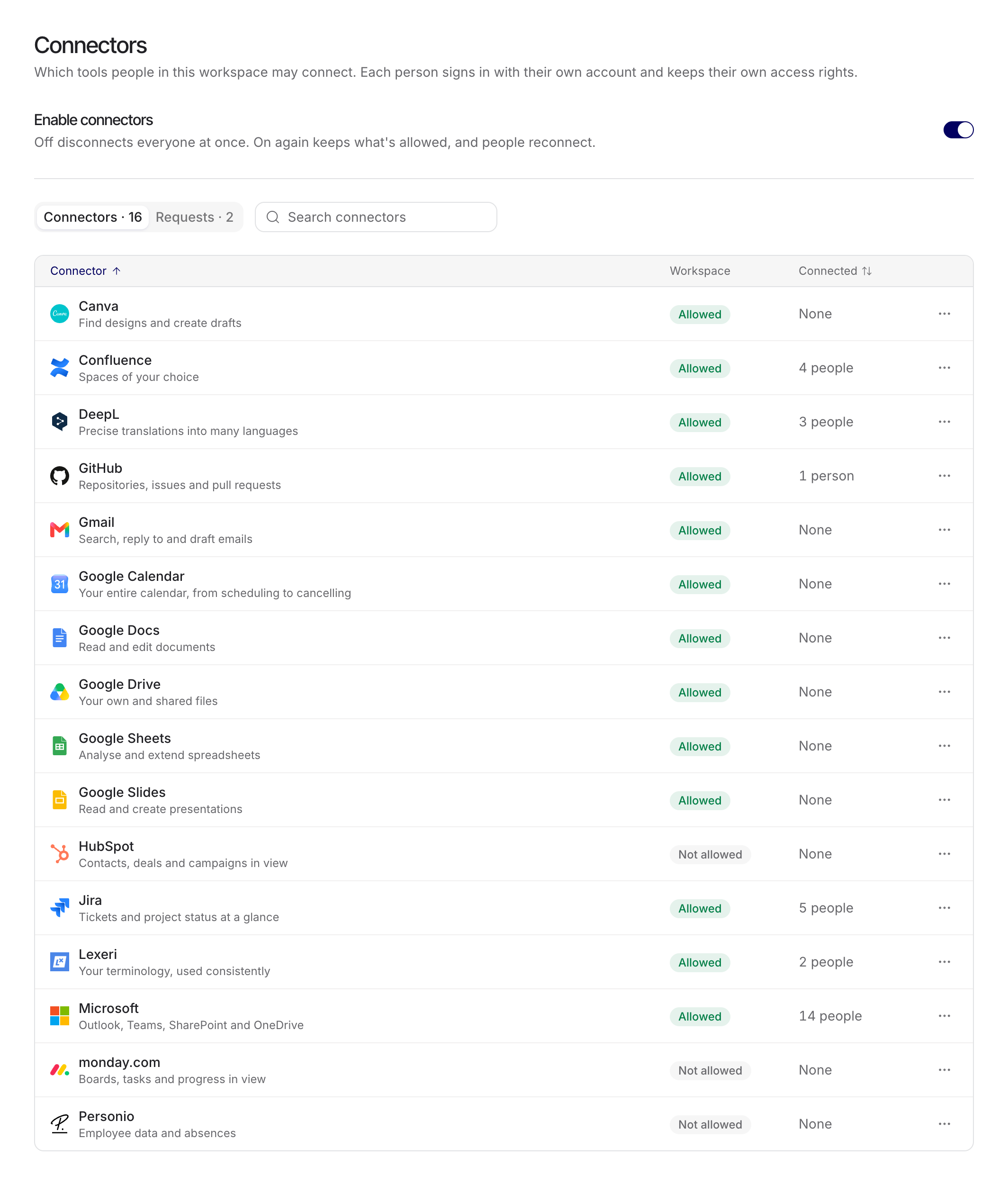
Policy applies to the connector as a whole. It does not define arbitrary per-tool permission rules. Individual users still need provider access, a valid connection and selection of the connector for their chat or workflow step.
Explain the permission layers
Section titled “Explain the permission layers”| Layer | Responsibility |
|---|---|
| Workspace allowance | Admin decides whether the connector may be used |
| Provider authorization | User connects an account with its own access |
| Chat or step selection | User chooses which connector the task may use |
| Write consent | User reviews eligible writes; destructive writes always need fresh consent |
Do not use a shared admin sign-in as a substitute for personal authorization. Review provider consent and tenant restrictions with the responsible service administrator.
Disable and offboard
Section titled “Disable and offboard”Disallowing a connector blocks subsequent calls. Users may need to reconnect after it becomes available again. Completed external actions and their provider-side records remain; a policy change is not an undo operation.
When someone leaves, review their provider accounts, workflow ownership and reusable Skills as separate items. Reassigning a workflow does not transfer the former owner's OAuth connection.
Synchronized integrations
Section titled “Synchronized integrations”Some existing integrations synchronize files or emails into MAIA rather than providing only live connector actions. Follow the dedicated SharePoint setup and permissions guide. Users find their own Outlook connection under Use MAIA.
Confluence now follows the connector route. The former Atlassian Connect installation instructions are retained at their existing URLs as migration guidance, not current installation steps.